Using Upland Journal
Explore each feature in detail to help you document your upland hunting adventures with ease and precision. Easy as 1-2-3!

Step One: Prepare your basic information.
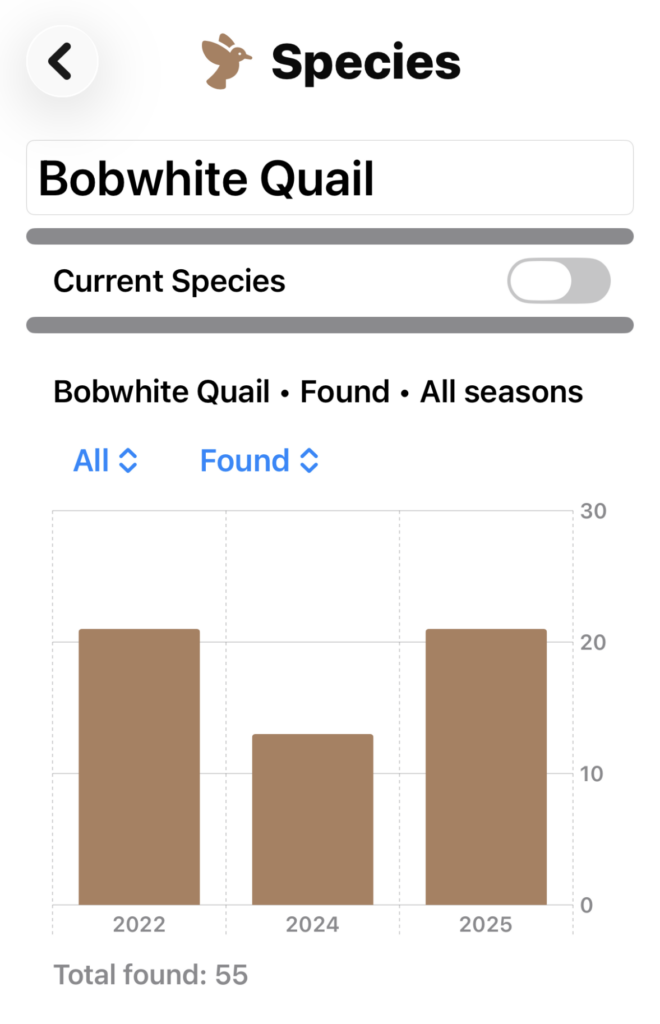
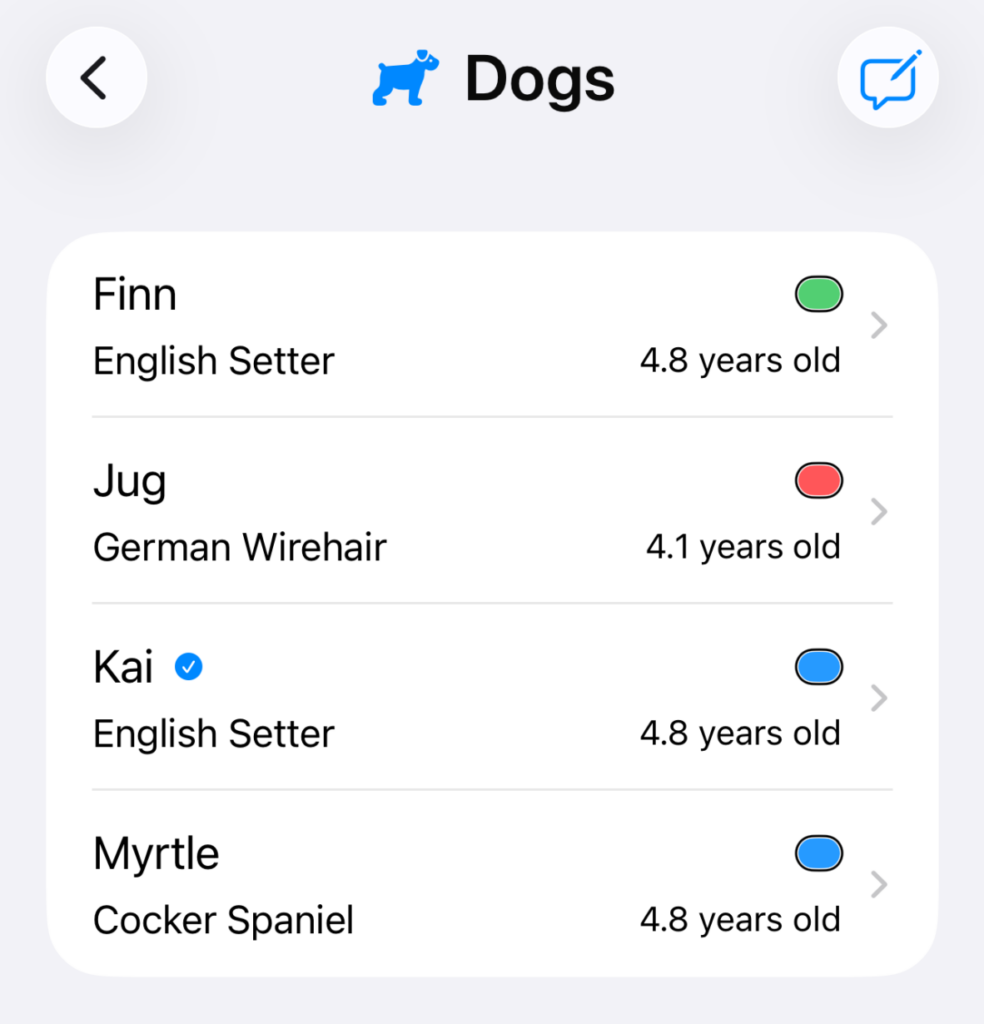
Begin by quickly adding lists of Dogs, Species and Hunters.
Each list has a “Current” setting – the current Dog, Species and Hunt are added to any new Bird Find.
Use colors for each Dog and Species, and show Bird Finds on the Map view color coded by either Dog or Species.

Step Two: Create a Trip and a Hunt
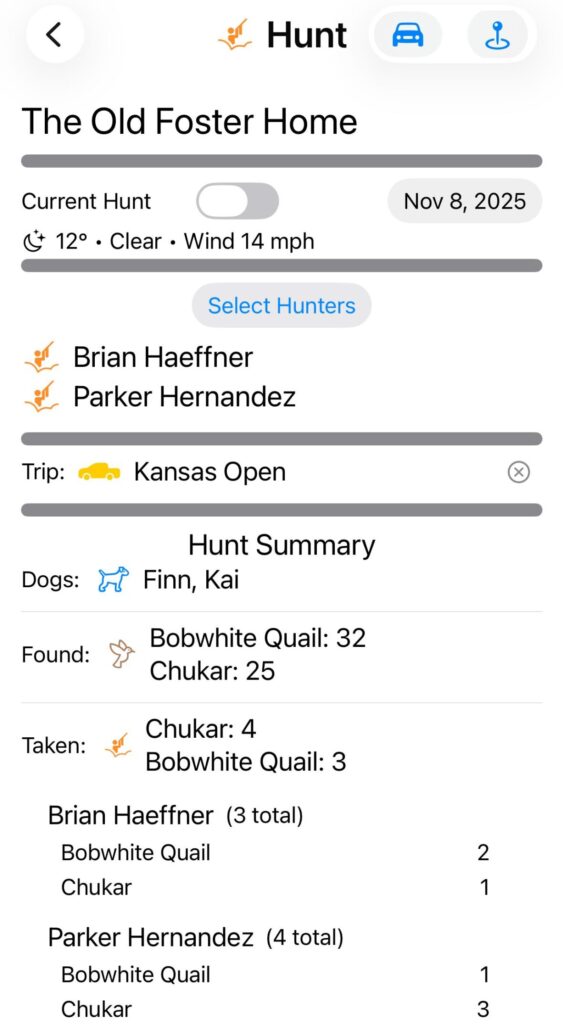
Trips are multi-day excursions, often to a remote location. Within a Trip, you may have several Hunts.
Hunts can be partial or full-day outings at a particular location – the Old Foster Farm or a Walk-in Hunting Area.
Create a Trip to South Dakota to preserve that opening weekend experience, then add Hunts within that trip.

Step Three: Add Bird Finds as you find birds in the field.

Bird Finds are the basic building blocks for Upland Journal. The information for Hunts, Trips, and Seasons are based on your Bird Finds. A Hunt will show the dogs, species, and birds found and taken from the Bird Finds tagged with that Hunt. Trips show the same for all Hunts associated with that Trip.
Use the GPS-enabled interface to accurately mark Bird Finds at your current location. Multiple methods of adding Bird Finds are available – including the large Plus icon on the Home Screen or Map screen.
Or, create an “Add a Bird Find” shortcut to your phone to make adding even easier!
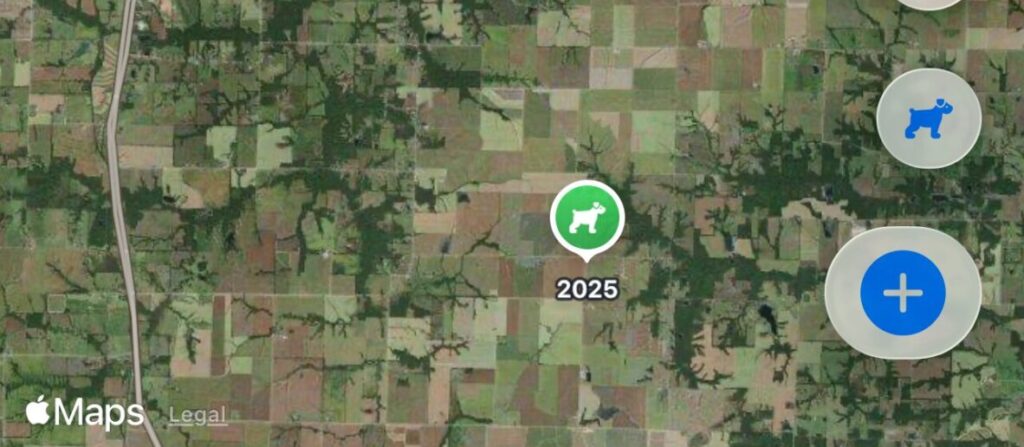

Track Places
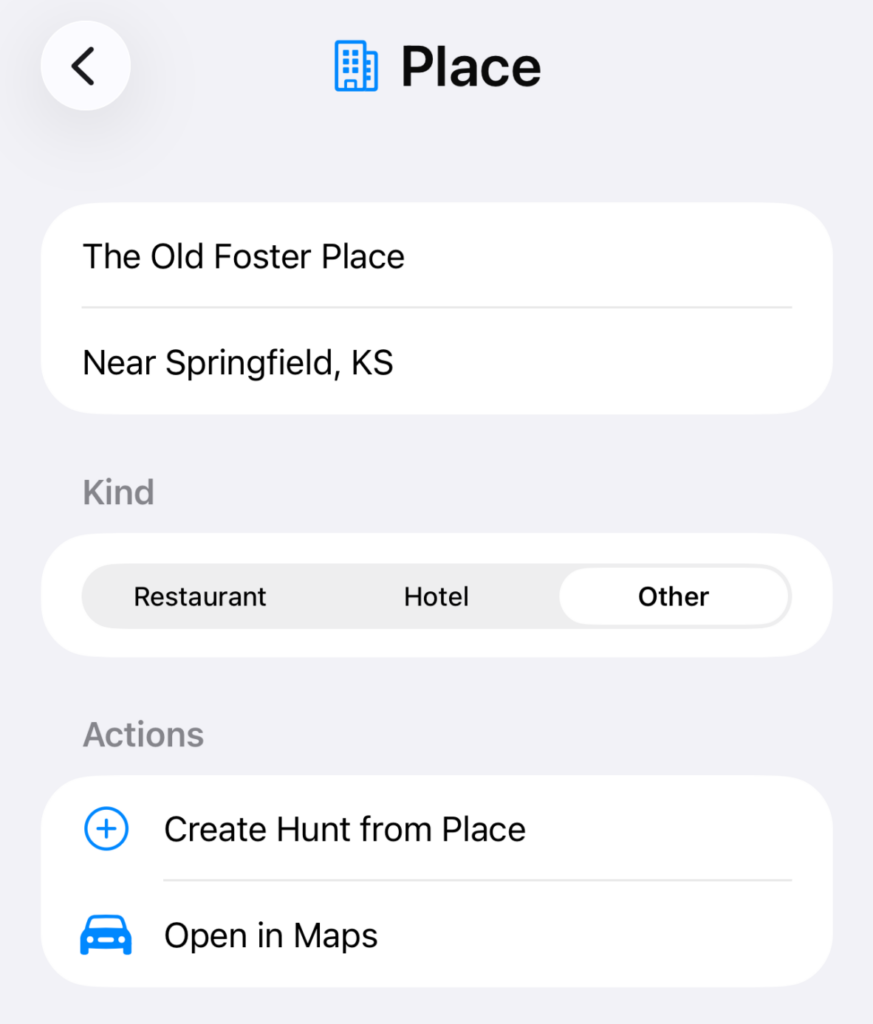
Places can be your favorite Restaurants or Hotels. Or just any place you might want to return – like that favorite hunting spot you visit year after year.
Easily create a new Hunt from a saved Place. Or get Driving Directions in Apple Maps!

Create a Shortcut
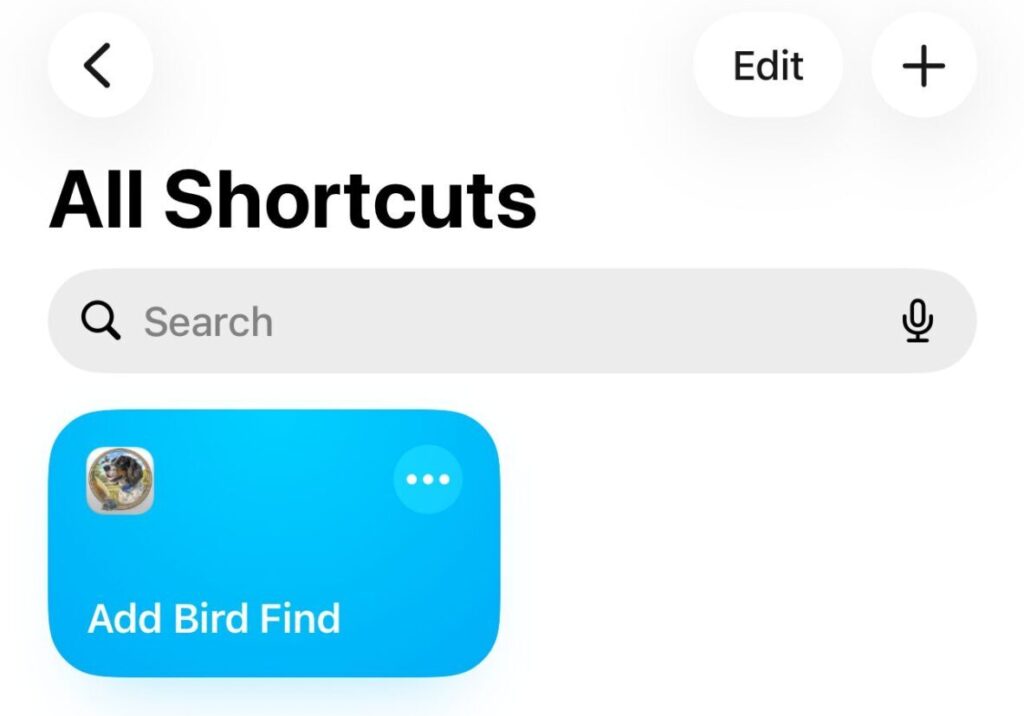
Create a Shortcut on your phone to make recording a Bird Find super simple in the field, without taking off your gloves!
With a Shortcut you can use “Hey, Siri” or the Action Button (if your phone has one) or Accessibility features like “Back Tap” to easily add a Bird Find.
Shortcuts are created using the Shortcuts app that comes with your iPhone.

Season Summary Insights
Understand and analyze trends using charts, notes and comprehensive season overviews.